
If you run a local business and you are not actively working on your Google My Business SEO, you are leaving visibility on the table.
Your Google Business Profile is often the first thing a potential customer sees when they search for your service. Before your website. Before your reviews. The profile that appears in the map pack at the top of local results can generate more enquiries than anything else you do online.
This guide covers what Google My Business SEO actually involves, what Google looks at when deciding who appears in those results and what you can do about it as a small business owner.
What Is Google My Business SEO?
Google My Business SEO refers to the process of optimising your Google Business Profile so it appears more prominently in local search results and on Google Maps.
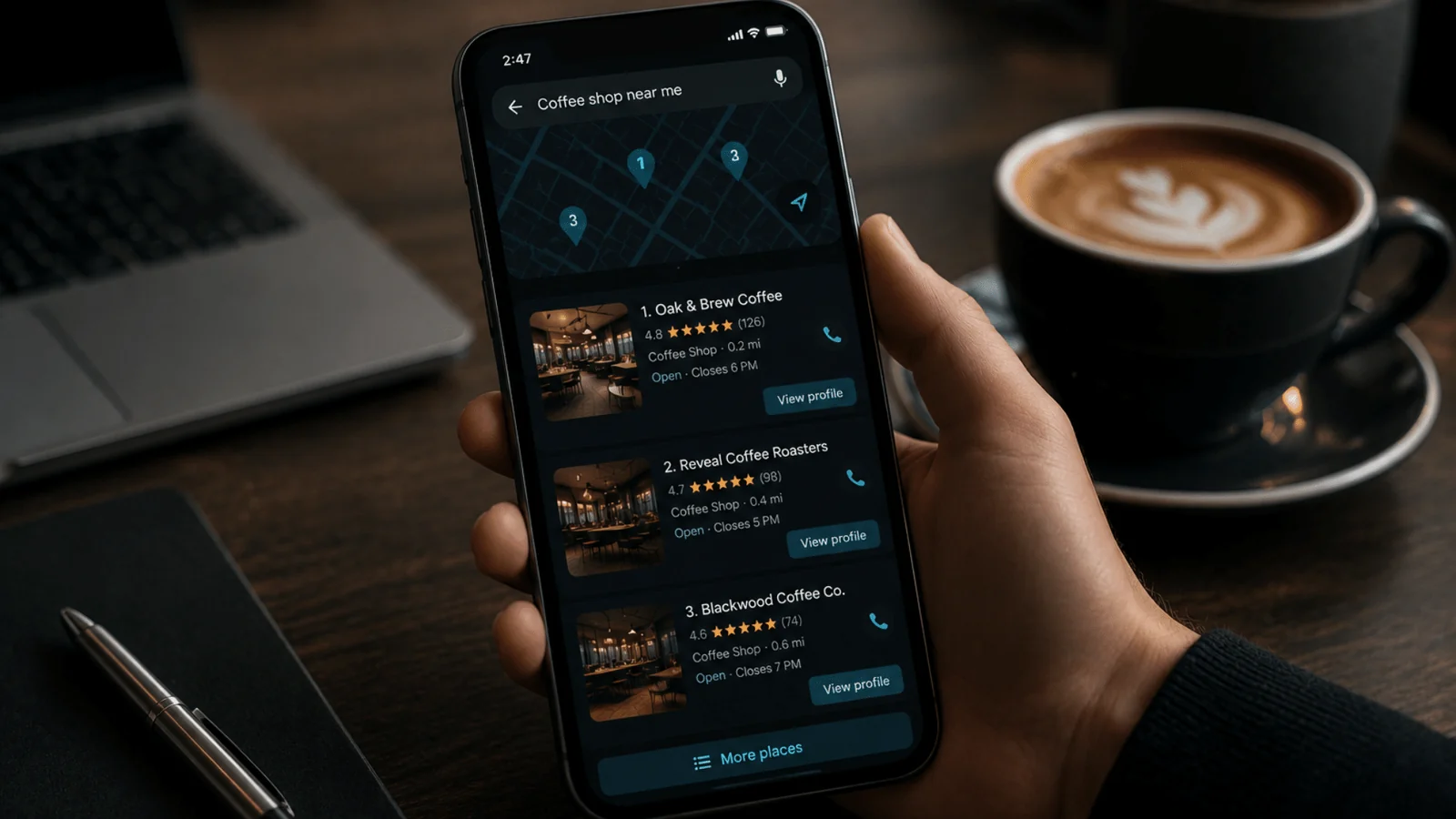
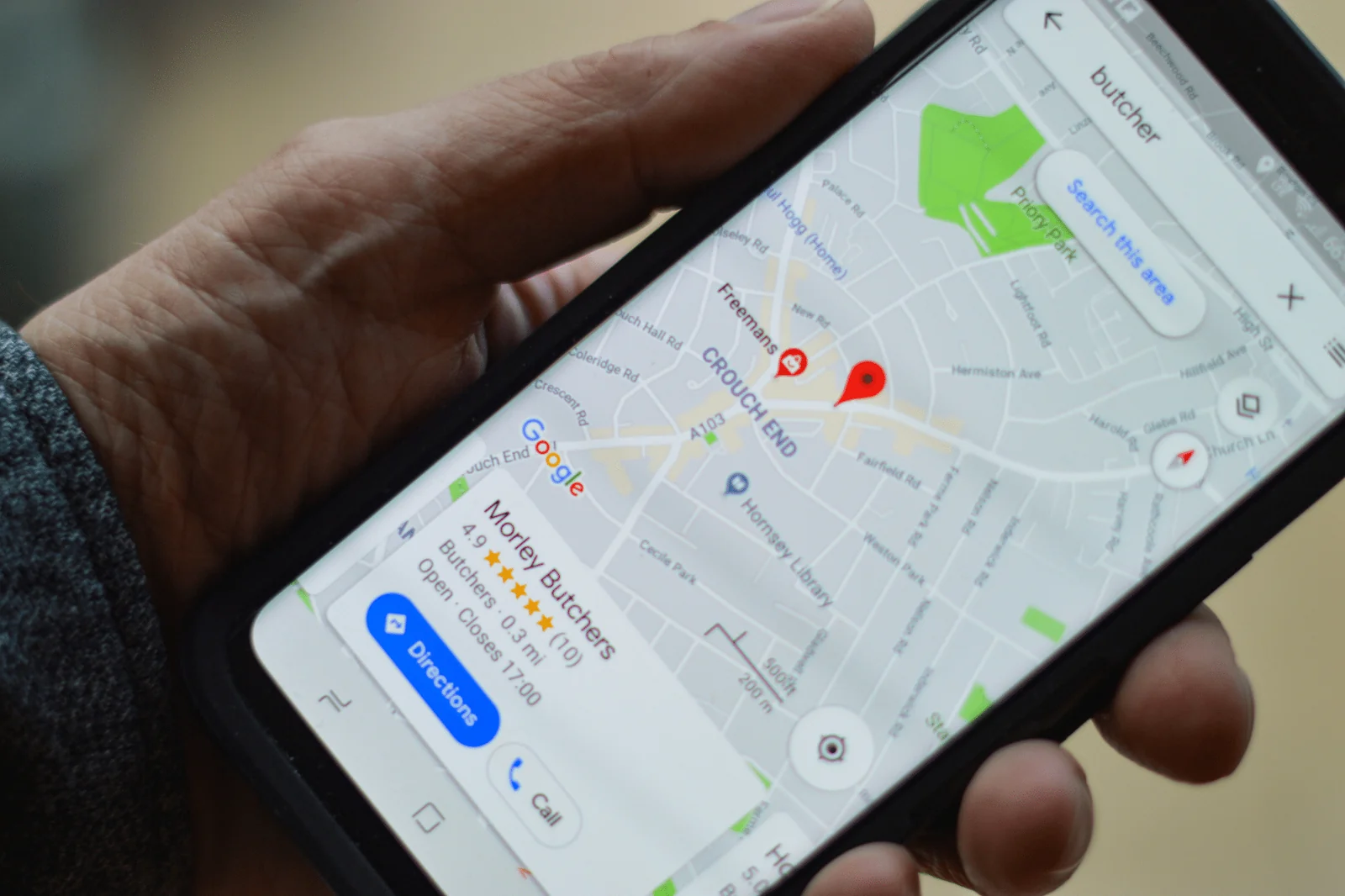
When someone searches for “plumber near me” or “accountant in Coventry”, Google pulls results from three main sources: the local map pack, organic website listings and Google Business Profiles. Google My Business SEO focuses on that map pack, which appears above the standard search results and is often the most visible part of the page.
The good news is that most small businesses have not fully optimised their profiles. That means there is real opportunity here, even in competitive areas.
Why Your Google Business Profile Matters for Local SEO
Your Google Business Profile is not just a listing. It is a signal to Google that your business exists, that it is legitimate and that it is relevant to local searches.
When I audit local business profiles, I see the same issues repeatedly:
- Business categories set incorrectly
- Business descriptions either blank or missing key services
- No photos added since the profile was first created
- Questions from customers sitting unanswered
- Attributes left unconfigured
Each of those gaps is a missed opportunity to send stronger relevance signals. Google My Business SEO is about filling those gaps systematically.
How Google Decides Who Appears in Local Results
Google uses three main factors to rank local business results: relevance, distance and prominence.
Relevance is how well your profile matches what someone is searching for. Distance is how close your business is to the searcher or the location they specified. Prominence is how well known and trusted your business appears to be, based on links, reviews, mentions and the quality of your profile.
The first two are largely outside your control. You cannot move your location and you cannot force people to search for exactly what you offer. But relevance and prominence are both areas where solid Google My Business SEO can make a genuine difference.
Setting Up Your Profile Correctly
If your profile has been live for a while, it is worth going back to the basics and checking everything is accurate. Small errors compound over time.
Business Name
Use your real business name as it appears on your signage, invoices and website. Do not add keywords to your business name. Google’s guidelines prohibit it and it can lead to your listing being suspended or edited by a competitor using the “Suggest an edit” function.
Business Categories
This is one of the most important decisions you make. Your primary category tells Google what your business fundamentally is. Be specific.
If you are a family solicitor, choose “Family Law Attorney” rather than just “Law Firm”. If you are a kitchen fitter, choose “Kitchen Remodeler” rather than “Contractor”. The more precise the category, the more likely you are to appear for relevant searches.
You can also add secondary categories. Use these for genuine additional services, not to cast a wider net with loosely related categories.
Business Description
Your description can be up to 750 characters. Use it to explain what your business does, who it serves and what makes it different. Work your primary service and location naturally into the first sentence or two without forcing it.
Avoid generic phrases like “we pride ourselves on excellent service”. Write the way you would talk to a customer face to face.
Service Area vs Physical Location
If customers come to you, set your address. If you go to them, set your service area instead. If you do both, you can configure both. Getting this right matters for how Google matches your profile to searches in your area.
Optimising Your Google Business Profile for Better Rankings
Getting the basics right is the foundation. The following steps take your Google My Business SEO further.
Add and Maintain Your Services
Google allows you to list individual services, complete with descriptions and prices. Many businesses skip this entirely.
Adding services gives Google more context about what you offer and gives customers more reasons to choose you before they have even clicked through to your website. A plumber who lists “emergency callout”, “boiler servicing” and “bathroom installation” as separate services is far more likely to appear for those specific searches than one with a blank services section.
Keep Your Opening Hours Accurate
Inaccurate hours frustrate customers and can reduce how much Google trusts your profile. If your hours change for bank holidays or seasonal periods, update them in advance using the special hours feature.
If someone calls and you are closed when your profile says you are open, that is a customer lost and a negative signal to anyone who leaves a review about it.
Upload Photos Regularly
Profiles with photos receive significantly more clicks than those without. Google also pays attention to how recently photos were added.
Aim to add new photos consistently rather than uploading twenty at once and then nothing for a year. A reasonable target for most small businesses is one or two new images per month.
Good photo types to include:
- Your premises or work vehicle
- Before and after shots of completed work
- The team
- Equipment or materials you use
- Finished projects
Photos signal that the business is active and legitimate.
Use Google Posts
Google Posts are short updates that appear directly on your profile. They have a limited lifespan of around seven days for standard posts, though offer and event posts run for their specified duration.
Most businesses do not use them. That is a mistake.
A consistent posting schedule signals to Google that your profile is being actively managed. It also gives customers something to read when they land on your profile. Use posts to share offers, highlight services, promote events or answer common questions.
One post per week is a solid rhythm. It does not have to be long.
Answer Questions in the Q&A Section
The Q&A section lets anyone ask a question on your profile. The answers can be added by the business or by members of the public.
Left unmanaged, this section can contain inaccurate answers written by strangers. Monitored properly, it is a useful place to pre-answer the questions your customers most commonly ask.
I recommend checking the Q&A section at least once a week and seeding it yourself with three or four questions you frequently hear. Answer them clearly and include your location and service naturally where it makes sense.
Reviews and Google My Business SEO
Reviews are a significant ranking factor in local SEO. They influence both where you appear and whether people choose you once they find you.
The things Google pays attention to include:
- Your overall star rating
- How many reviews you have
- How recently reviews were left
- Whether you respond to reviews
That last point matters more than most business owners realise. Responding to reviews shows Google and customers that you are engaged with your profile. It also gives you a chance to include relevant keywords naturally in your replies.
You do not need to respond with a long essay. A short, genuine acknowledgement is enough. For negative reviews, respond calmly and offer to resolve the issue offline.
How to Get More Reviews
The most effective approach is to ask at the right moment, which is right after you have delivered a result the customer is clearly happy with. A direct link to your review page removes friction. You can find your review link inside the Google Business dashboard under “Ask for reviews”.
For more detail on building a consistent review process, I have written a separate guide on how to get Google Business reviews without feeling pushy.
NAP Consistency and Why It Matters
NAP stands for Name, Address and Phone number. Consistency across your website, your Google Business Profile and any other online directories is a basic but important part of Google My Business SEO.
If your address appears as “12 High Street” on your website but “12 High St” on your Google Business Profile, that inconsistency is a small negative signal. Multiply that across dozens of directory listings and it adds up.
The fix is straightforward. Check your NAP across the key directories your industry uses, your website footer and contact page, and your Google Business Profile. Make them consistent and keep them that way.
Your Website and Google My Business SEO
Your Google Business Profile does not sit in isolation. Google looks at your website as part of the overall picture of your business.
A few things to align:
- The business name and address on your website should match your profile exactly
- Your website should have pages dedicated to your key services, not just a general “what we do” section
- Adding LocalBusiness schema markup to your site helps Google understand your business details reliably
Schema markup in particular is something I recommend to most local businesses. It is not a magic ranking fix but it reduces ambiguity, which is always useful. I have written a more detailed guide on local business schema markup and how to generate it with ChatGPT if you want to go further with this.
Common Mistakes That Hurt Google My Business SEO
These are the issues I see most often when auditing profiles for small businesses.
Keyword stuffing in the business name. This violates Google’s guidelines and can get your listing suspended. Keep the name clean.
Ignoring the profile after setup. A profile that has not been updated in months looks stale. Google rewards activity.
Not responding to negative reviews. Leaving a one-star review unanswered looks worse than the review itself. Respond professionally and move on.
Using the wrong primary category. This is the single most influential field on your profile. Take time to research which category your strongest local competitors use.
Inconsistent contact details. Even small differences between your profile and your website create confusion for both Google and customers.
How Long Does Google My Business SEO Take?
This is the question I get asked most.
The honest answer is that you can see movement within a few weeks if you make significant improvements to a neglected profile. Getting into the top three results in a competitive area takes longer and depends on factors like review volume, website authority and how well optimised your competitors are.
What I can say with confidence is that the businesses I work with who take Google My Business SEO seriously and maintain their profiles consistently over time see steady improvement in both their visibility and their enquiries.
It is not a one-time task. It is an ongoing process, like most things in local SEO.
A Practical Starting Point
If you are unsure where to begin, work through this checklist:
- Verify your business name is accurate and matches your other listings
- Check your primary category is as specific as possible
- Write or rewrite your business description
- Add or update your services with descriptions
- Check your opening hours are correct
- Upload at least five fresh photos
- Read and respond to any unanswered reviews
- Seed the Q&A section with three common questions
- Publish your first Google Post
That covers the foundations of Google My Business SEO. From there, the work is about consistency: keeping the profile active, building reviews and ensuring your website supports what your profile says about you.
If you want help with any of this, feel free to get in touch. Local SEO is what I work on every day, with small businesses across Warwickshire and beyond.