

Most local business owners know reviews matter. What they are less sure about is how to get Google Business reviews consistently, without feeling awkward or chasing customers.
I get asked this a lot. Usually after a business owner realises their competitors have 80 reviews and they have 12.
There is no trick to it. But there does need to be a process.
What Are Google Business Reviews?
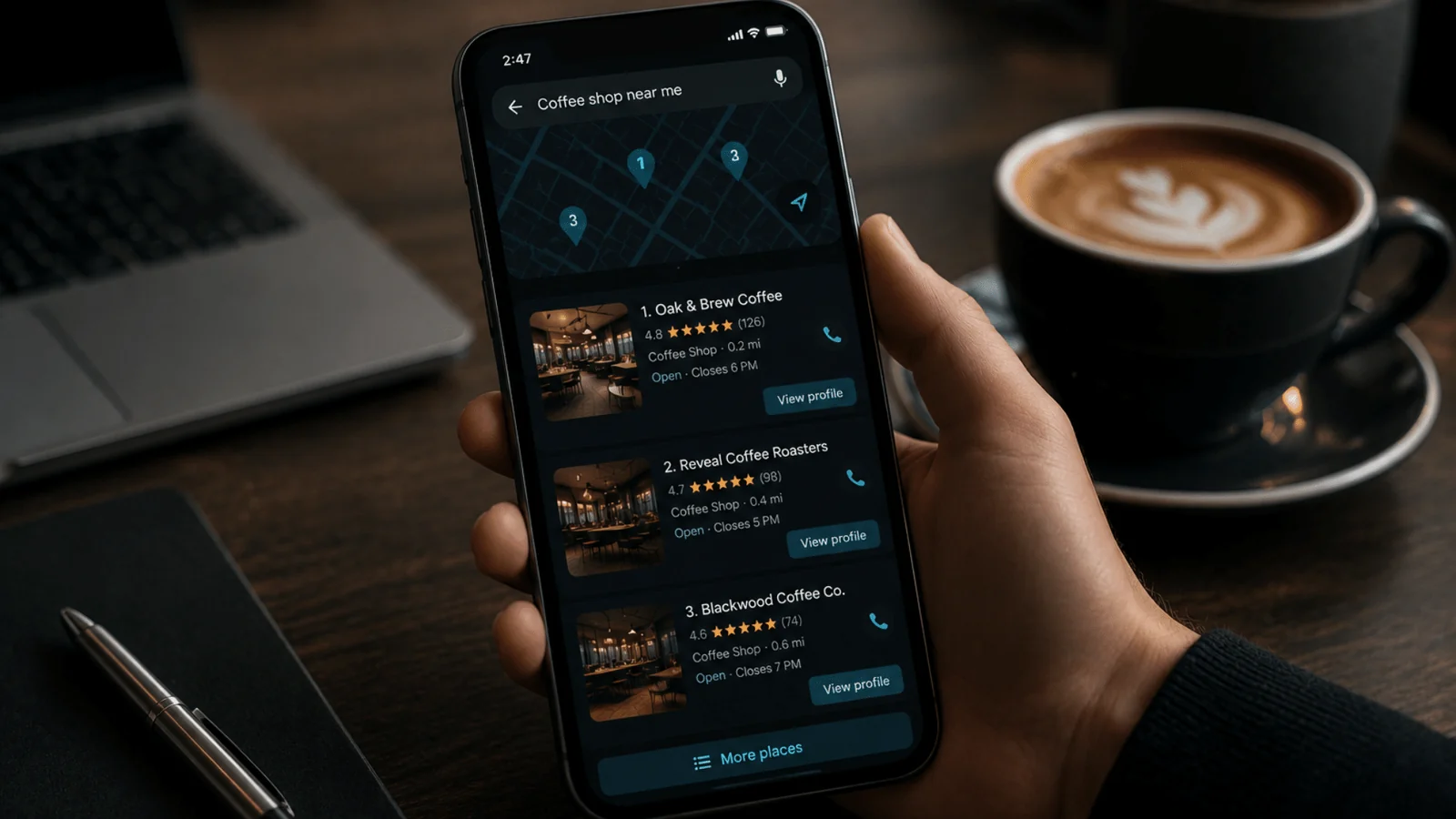
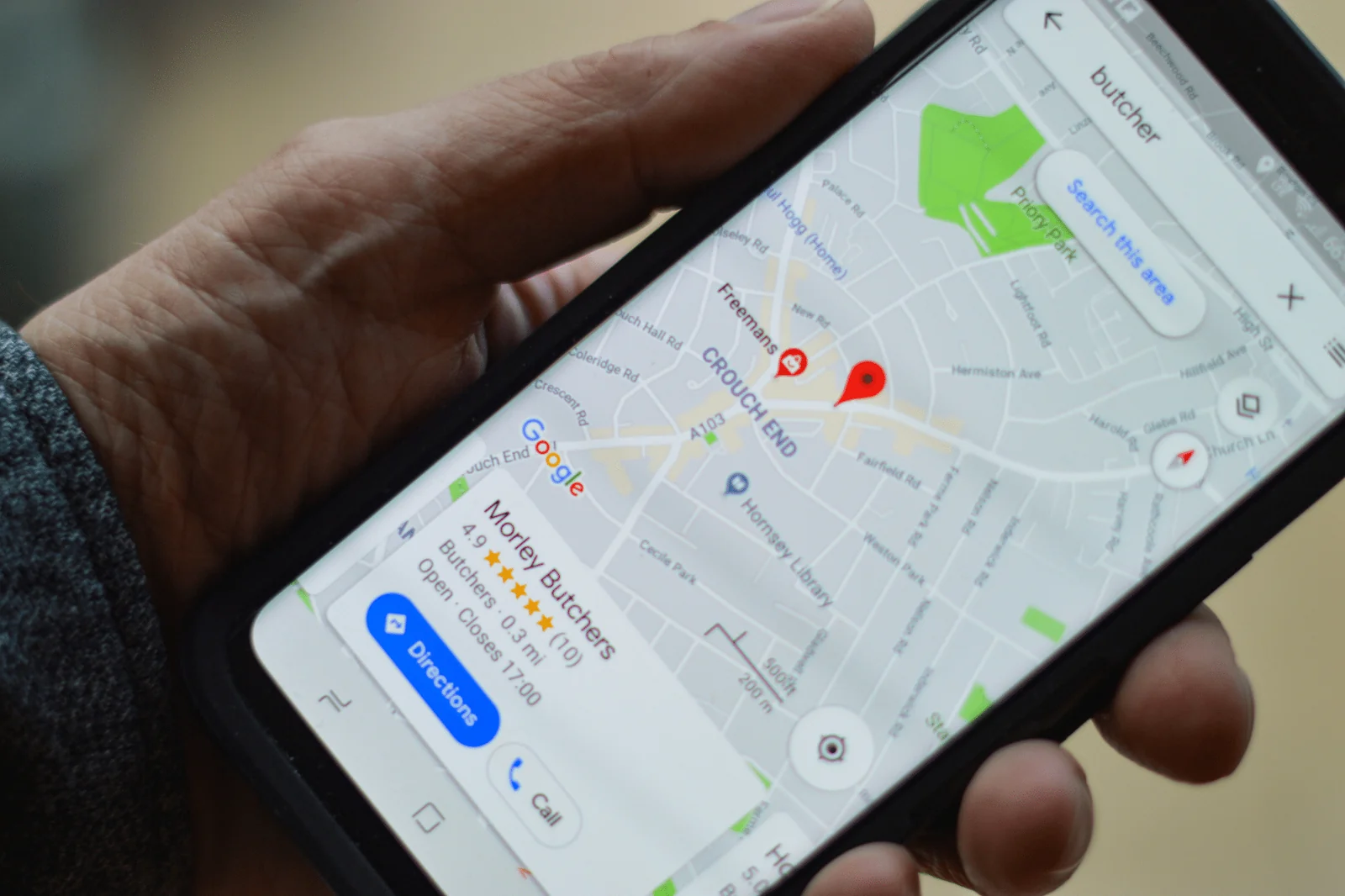
Google Business reviews are the star ratings and written feedback left on your Google Business Profile. They show up in Google Maps and in the local search results when someone looks for your service.
If someone searches for a plumber, solicitor or café in their area, the reviews are often the first thing they look at. Before the website. Before the phone number.
They are public, permanent and influential.
Why Google Business Reviews Matter to Customers
When I look at local search results with clients, I can see how people make decisions.
They compare:
- Star rating
- Number of reviews
- How recent those reviews are
That is it.
If two businesses look similar, the one with more recent, detailed reviews usually gets the click.
Reviews reduce risk. They show that real people have used your service and were satisfied. For higher value services, like legal work or home improvements, that reassurance is even more important.
Understanding how to get Google Business reviews is really about understanding how people choose who to trust.
Why Google Business Reviews Matter for Local SEO
Reviews are also a ranking factor in local SEO.
In my experience, three things tend to help:
- A steady flow of new reviews
- A healthy overall volume
- Natural mentions of your services in the review text
If I am working with a business in Warwick or Coventry and they are struggling to appear in the map results, reviews are always part of the conversation. They are not the only factor, but they do contribute.
I have seen businesses improve their visibility over time simply by building a consistent review process.
So when I talk about how to get Google Business reviews, I am thinking about both conversions and search performance.
The Real Problem: No System
The biggest issue I see is inconsistency.
A business might ask for a review now and then. Or only when they remember. Or only when a customer is particularly enthusiastic.
That approach produces random results.
If you want to know how to get Google Business reviews reliably, you need a simple system that runs in the background.
Ask at the Right Moment
Timing is more important than wording.
The best time to ask is just after you have delivered value and the customer is clearly satisfied.
For trades, that is often right after completing the job and sending the invoice. For professional services, it might be after a successful outcome or project milestone.
I usually recommend sending the request within 24 hours. Leave it a week and the momentum drops.
Use Email Automation
One of the most effective ways to handle how to get Google Business reviews at scale is automation.
Most CRM systems and invoicing platforms allow you to trigger an email when a job is marked complete. That email can include:
- A short thank you
- A polite request for a review
- A direct link to leave one
The email does not need to be clever. In fact, simple and direct works better.
When I implement this for clients, the change is noticeable. Reviews stop being occasional and start becoming consistent.
Ask in Person, but Make It Easy
For businesses with physical premises, in person requests can work well.
If a customer expresses satisfaction, that is your cue. A simple line is enough:
“If you were happy with everything today, I would really appreciate a Google review.”
The key is to remove friction. If they have to search for your business later, many will not bother.
This is where direct links and QR codes come in.
Use Printed QR Codes
If you are thinking about how to get Google Business reviews from in person customers, QR codes are practical.
You can place them:
- At reception desks
- On printed invoices
- On thank you cards
- On packaging
The customer scans the code and goes straight to the review screen.
I always advise testing the QR code yourself before printing anything. It sounds obvious, but I have seen businesses print hundreds of cards with the wrong link.
Make Review Requests Part of Your Process
The businesses that build strong review profiles treat it as part of operations, not marketing.
For example, you can track:
- Jobs completed
- Review requests sent
- Reviews received
If you complete 30 jobs in a month and send 30 requests, you can measure the response rate. If it is low, adjust the timing or wording.
This is the practical side of how to get Google Business reviews. It is about consistency and small improvements over time.
How to Get a Google Business Review Link
To get your Google Business review link:
- Log into your Google Business Profile
- Go to your dashboard
- Click “Ask for reviews”
- Copy the short link Google provides
This link takes customers directly to the review box.
I recommend using this link everywhere you ask for a review. Email signatures, automated emails, SMS follow ups and thank you pages are all sensible places.
Sending people to your homepage and expecting them to find the review section themselves will reduce completions.
If you are serious about how to get Google Business reviews, always use the direct link.
How to Get a Qr Code for Google Business Reviews
Once you have your direct review link, creating a QR code is straightforward.
You can:
- Use a free QR code generator online
- Paste in your Google review link
- Download the image
Google also sometimes provides built in QR options inside the profile interface, depending on updates to the dashboard.
Before printing, scan the code with your own phone and make sure it opens the correct review screen.
This small step avoids wasted time and money.
A Quick Warning About Incentives
I am often asked whether offering discounts or rewards in exchange for reviews is a good idea.
It is not.
It goes against Google’s guidelines and can lead to reviews being removed. I have seen businesses lose batches of reviews after trying to game the system.
If you are working on how to get Google Business reviews that actually help your reputation and SEO, focus on genuine customer feedback.
Simple Systems
How to get Google Business reviews is not complicated. But it does require intention.
Ask at the right time. Use a direct link. Automate where possible. Use QR codes if you have in person customers. Make it part of your routine.
When I work with local businesses, the difference between 15 reviews and 75 reviews is rarely quality. It is process.
Put a simple system in place and stick to it. The results build gradually, and that steady growth is what strengthens both trust and local visibility.