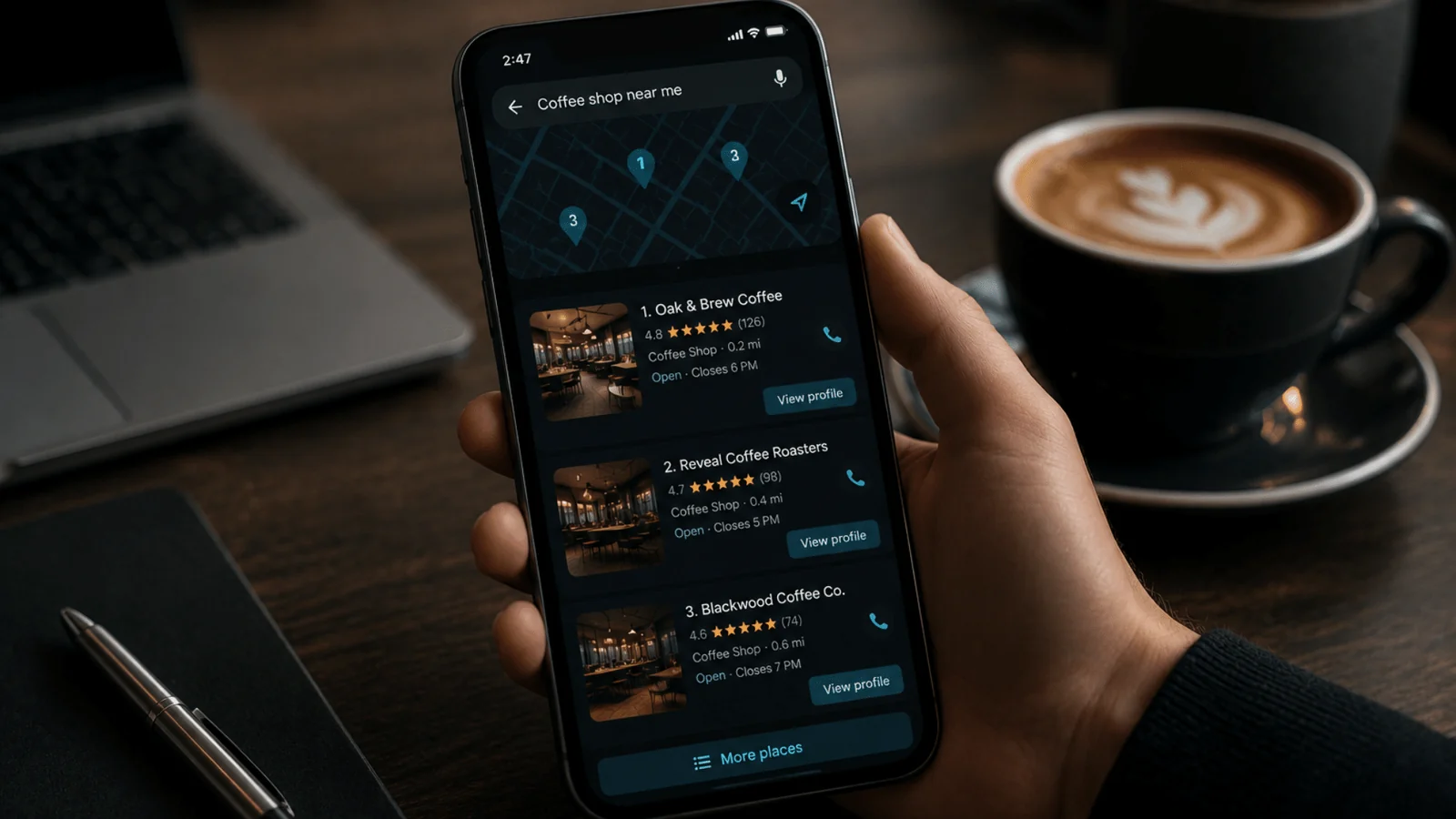

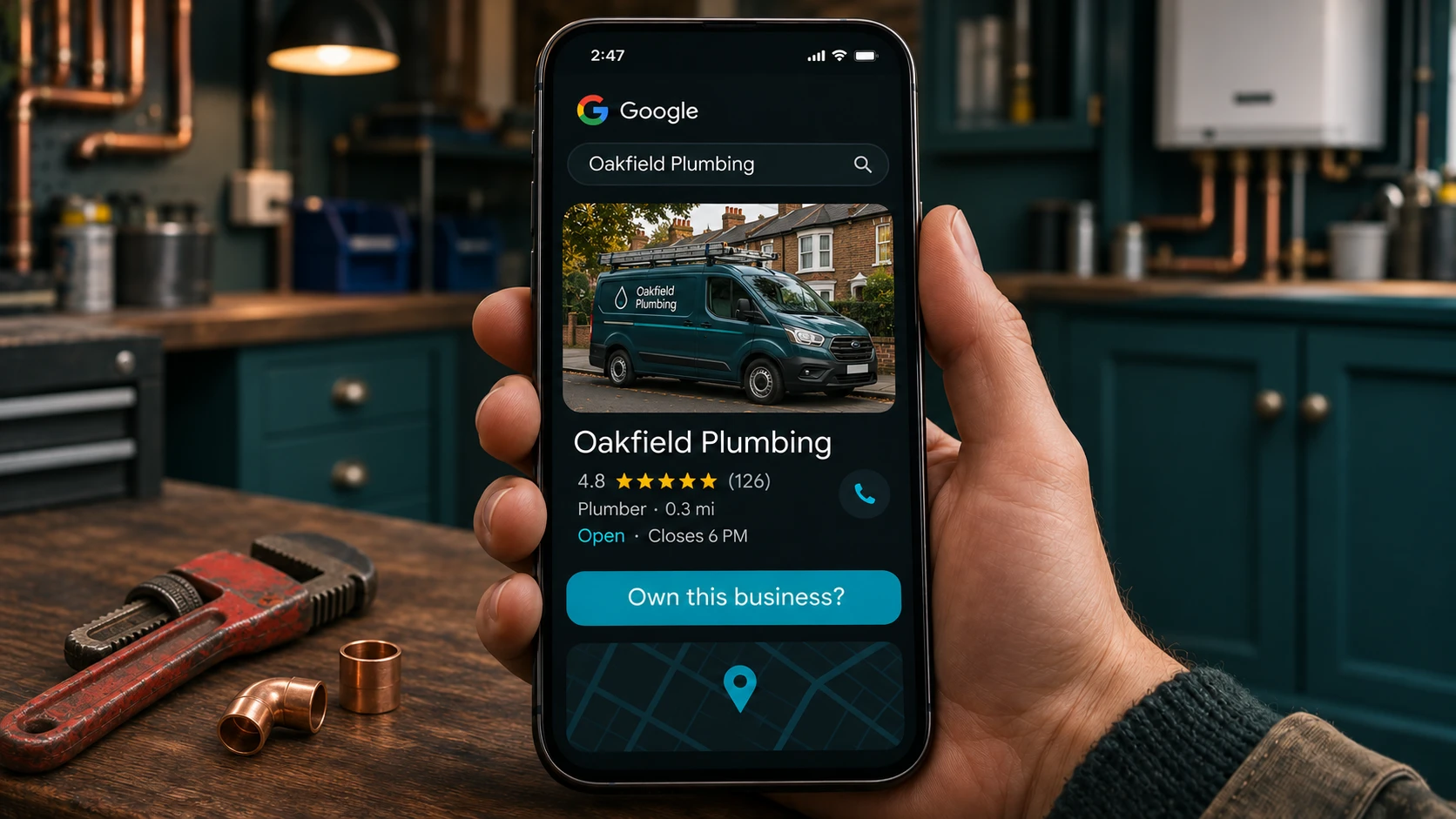
To add your business to Google, create a free Google Business Profile at business.google.com/add. Enter your business name, category and address (or a service area, if you travel to customers), then verify it. Google can take up to five working days to approve it. Pay attention to the address, because it decides if you’re eligible at all.
Searches like “how do I add my business to Google” and “how do I register my business with Google” all lead to the same place: one free profile that shows in both Search and Maps.
The setup is quick. The waiting is the slow part, and the address is the bit that can sink you.
Check if you’re already on Google
Search Google for your business name and town first. You might already be on there, and I’d much rather you claimed that profile than built a second one. Google’s rules allow one profile per business, and duplicates can muddle how your details show in Maps and Search.
What you do next depends on the profile. If nobody’s verified it, open it in Google Maps and select Claim this business. If someone else has, a former web designer or an old business partner perhaps, you can request ownership from them. Google’s add or claim page covers both routes.
How do I add my business to Google, step by step
If there’s nothing there, you’re starting from scratch. You’ll need a Google Account, but it can use any email address, including a company one.
- Sign in to a Google Account the business controls. Not your web designer’s, and not an employee’s personal one. Handing over ownership later is a nuisance.
- Go to business.google.com/add and select Add your business to Google.
- Enter your business name, then choose a category. Google says to pick the fewest categories that describe your core business. Take that literally and choose the one that fits best.
- Say whether customers visit you at a location. If they do, enter the address. If you go to them, set a service area instead.
- Add your phone number and website.
- Choose a verification option and follow the steps.
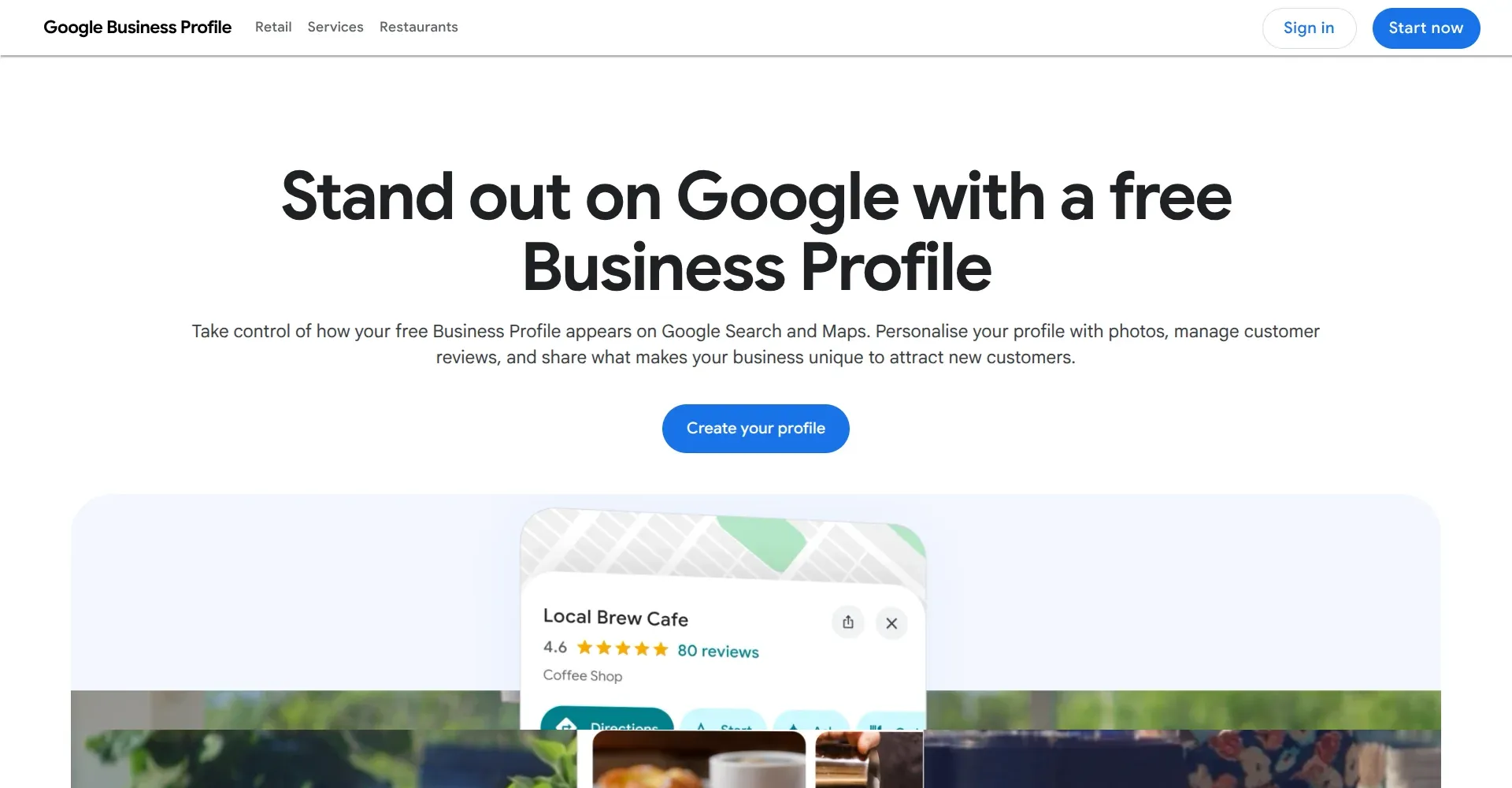
Google changes these screens fairly often, so follow what you see rather than my exact order.
Use the name on your van, your sign and your invoices. Say Companies House has you as Smith and Sons Plumbing Services Ltd, but everyone calls you Smith Plumbing. Then you’re Smith Plumbing. Resist the urge to tack “Plumber Coventry” on the end to help you rank. Google says unnecessary information in a business name isn’t permitted, and it can get the profile suspended.
Which address to use
This is where UK businesses get caught, and none of the guides I read warned about it. The address on your paperwork is often not an address Google will accept. One UK guide even suggests a virtual office if you don’t want to show your home. Google’s guidelines say the opposite.
Google wants the real place where your business operates. PO boxes and mailboxes at remote locations are out. A rented address where you don’t actually work, which Google calls a virtual office, is out too. A co-working space only counts if the office has clear signage, receives customers during opening hours and is staffed by your own people. It’s all in Google’s guidelines for representing your business.
Now look at Companies House. Your registered office can be an accountant’s address, a solicitor’s or an agent’s, and GOV.UK says that address is public on the register. Fine for the register. If nobody works there, it’s the wrong address for Google.
Working from home is allowed. If customers don’t visit you there, set the profile up as a service-area business, hide your address and list the areas you cover. As I read Google’s help, you still give Google your address so it can verify you, then switch off “Show business address to customers” in your profile. Only do it if you really are a service-area business. Google’s clear on that.
A garage that customers visit and that also does call-outs can show its address and a service area. That works only if the place is staffed and open to customers during the hours you list.
And Google won’t take “opposite the big Tesco” as an address. Its help page rules out that sort of description.
I’ve seen the other side of this. A photographer I worked with tried to use her home address as a place of business, instead of using Google’s service area option. After many failed attempts at verification, she contacted me to set the profile up properly, as a service-area business rather than around a domestic property.
Verification, and how long it really takes
You don’t get to choose how you verify. Google decides which options to offer based on your business type, public information, region and opening hours. You might see phone or text, email, a live video call, a video recording or a postcard, and sometimes you need more than one. If video’s on offer, Google recommends it.
If it’s the postcard, Google says most codes arrive within 14 days and expire after 30. Don’t edit your business name, address or category while you wait. And don’t order a second code because the first feels slow. That cancels the first one and only makes it slower. Anyone who asks you for the code isn’t Google.
One UK guide I read still calls the postcard the most common route and says it takes five to seven working days. Google’s help page lists it as one option among several. On 16 November 2026, Google’s AI answer to a related search said approval takes 24 to 48 hours. The help page says Google’s review takes up to five working days, and on rare occasions longer. I’d plan for the slower figure.
There’s a quicker route in some cases. Google says it can verify a profile instantly if you’ve already verified your website in Search Console. If you’ve got Search Console set up, try that first. The methods, timings and Search Console route come from Google’s verification page.
In my own work it varies. Some profiles verify within a few minutes. Others take longer, often needing a postcard sent to the address, or a video from you to prove the business really trades from the location it gives.
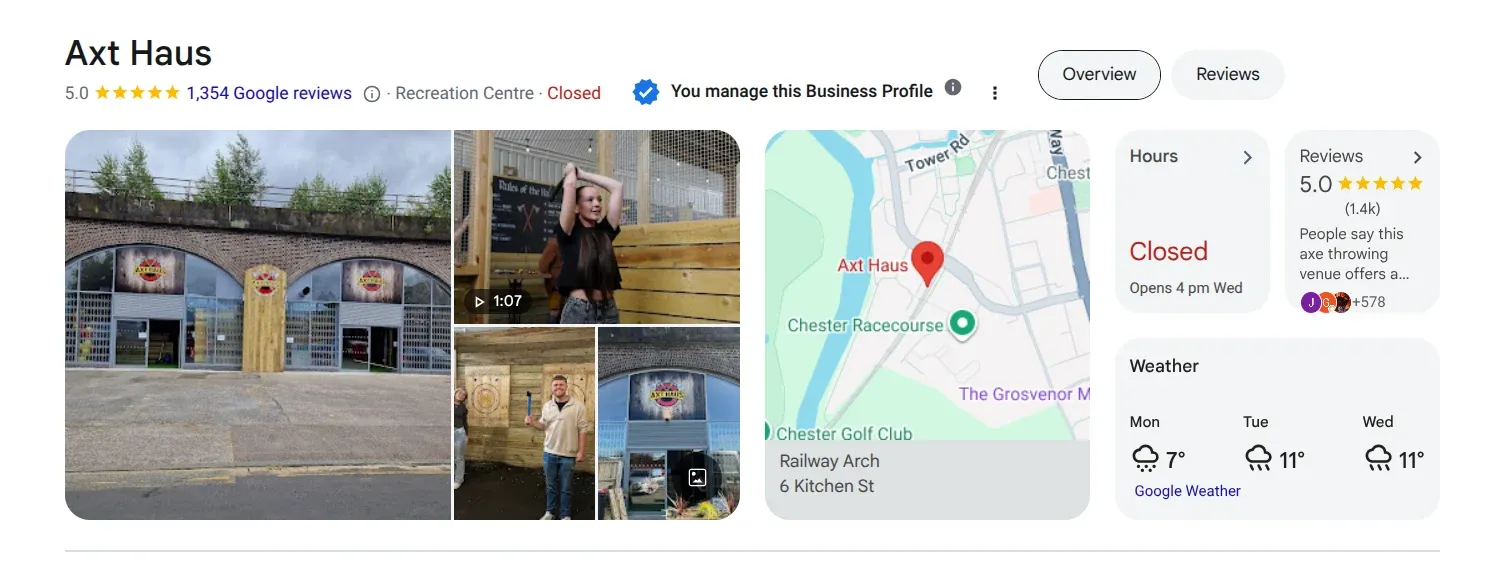
Once you’re verified and signed in, that tick and “You manage this Business Profile” is what you’re looking for.
How to get your business on Google Maps
There’s no separate Maps listing to create. The Business Profile you’ve just verified is the one that appears in Maps as well as Search. One job, not two.
To check it, open Google Maps and search for your business name and town. To edit it from your phone, open the Google Maps app, tap Business at the bottom right, then tap Edit profile. Google says changes usually show within about 10 minutes, though in some cases it can take up to 30 days.
Being on Maps isn’t the same as ranking in it, and I can’t promise you a position. A new profile has no reviews and no history, so expect it to turn up for your business name long before it turns up for “plumber near me”.
What to do in the first week
Don’t get clever yet. Do the dull things first. Check the opening hours, bank holidays included. Make sure the phone number and website are right. Add real photos of your premises or your work, not stock images. List your services. Then start asking customers for reviews, because a profile with none looks like nobody uses you.
I’ve written up what comes next in my step-by-step guide to optimising your Google Business Profile, and how to ask for reviews without being pushy in how to get Google Business reviews.
If you’d rather not do this yourself
Most people can do all of this alone. It gets fiddly when verification keeps failing or the address doesn’t fit the rules, and that’s when a second pair of eyes saves time. Checking your Google Business Profile is part of the first month’s groundwork on my monthly SEO packages, which start at £200 a month with no long contract. You can see what each one includes on my SEO packages page.
Frequently asked questions
How can I get my business to show on Google Maps?
Create and verify a Google Business Profile. That’s the listing Maps shows, so there’s nothing separate to add. Use a real address or a service area, choose the category that fits your core business and complete verification. Once Google approves it, search your business name and town in Maps to check it appears. Ranking above competitors comes later and depends on more than setup.
Is it free to add my business to Google?
Yes. Google says you can add or claim your Business Profile at no charge, and that covers both Search and Maps. You don’t pay to appear on Google Maps. Anyone asking for money just to list you on Google is selling something else, such as setup help or ads, and you should know which before you agree to anything.
Can I add my business to Google if I work from home?
Yes, if you serve customers at their locations. Set it up as a service-area business, list the areas you cover and hide your home address so only the service area shows. Google says to hide your address only if you really are a service-area business. Don’t swap in a virtual office address to avoid showing your own, because Google doesn’t allow those.
How long does it take for my business to appear on Google?
Allow up to five working days after you finish verification, because Google says its review takes that long, and longer on rare occasions. A postcard can add up to 14 days before you even start that. If you’ve verified your website in Search Console, Google can sometimes approve the profile instantly.
Last checked: 16 November 2026. I opened each Google and GOV.UK page linked above on that date. Your next step is simple: search your business name and town now, before you add anything.